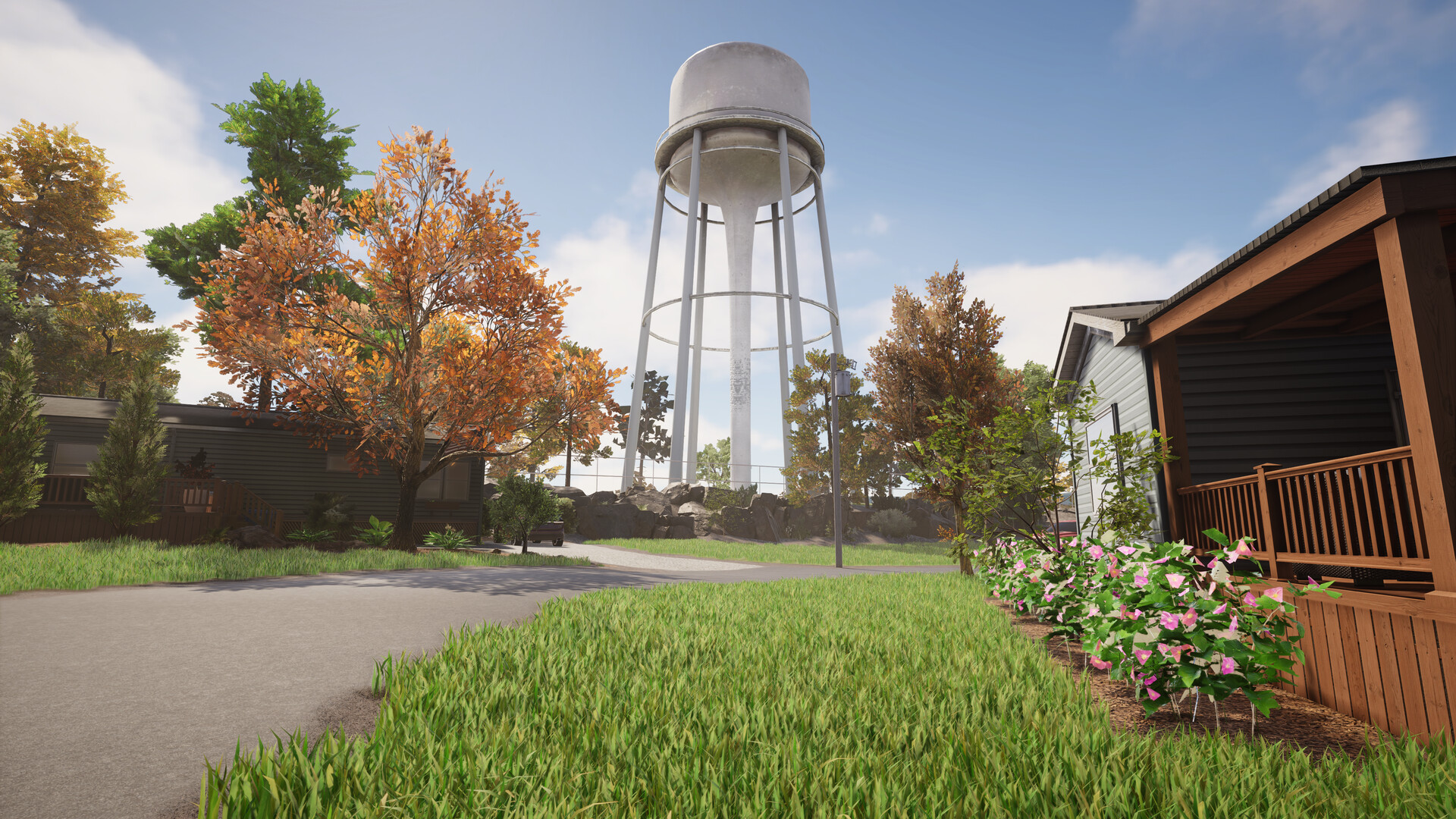
Lawn Mowing Simulator 2 starter guide
Learn the loop in the free demo first: take a contract, mow, edge, blow or rake, then collect the reward so RP actually lands. The full game adds a manage-your-business career on top.
Learn the loop in the free demo first
The demo costs nothing and teaches everything that matters — the full game only adds management on top. Get it on Steam, run two or three contracts, and you'll know whether the routine clicks before you pay for the release.
The contract loop
Every job in Lawn Mowing Simulator follows the same shape:
- Take a contract. Jobs range from small suburban plots to larger commercial and municipal sites — bigger sites take longer.
- Get to the site and size it up. Walk the plot, note the edges, obstacles and where the clippings will go.
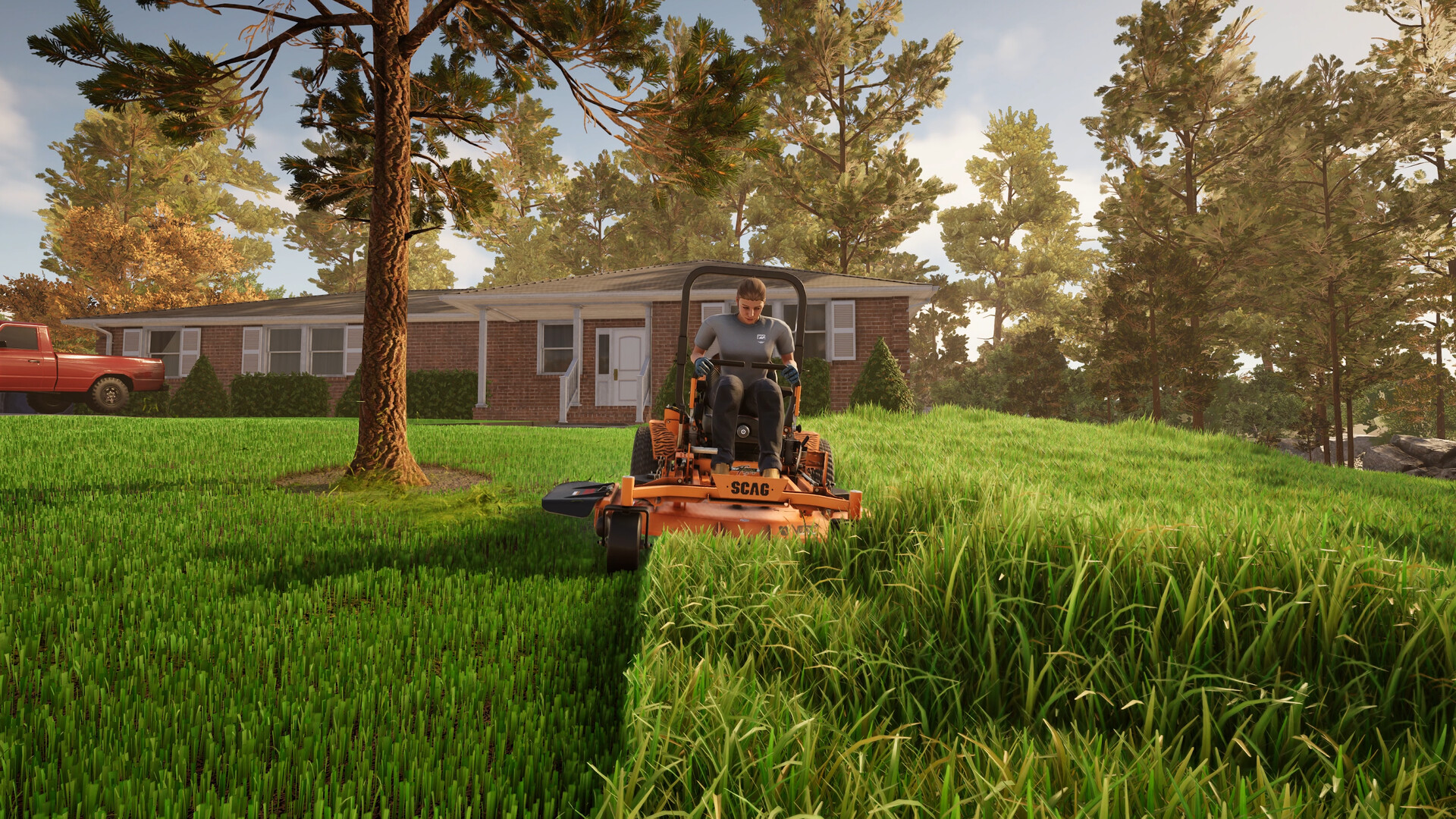
- Mow it. Cut the lawn to the line — precision is the whole point of the sim, not speed.
- Detail the edges. String trimmers handle the borders, fence lines and places the mower can't reach.
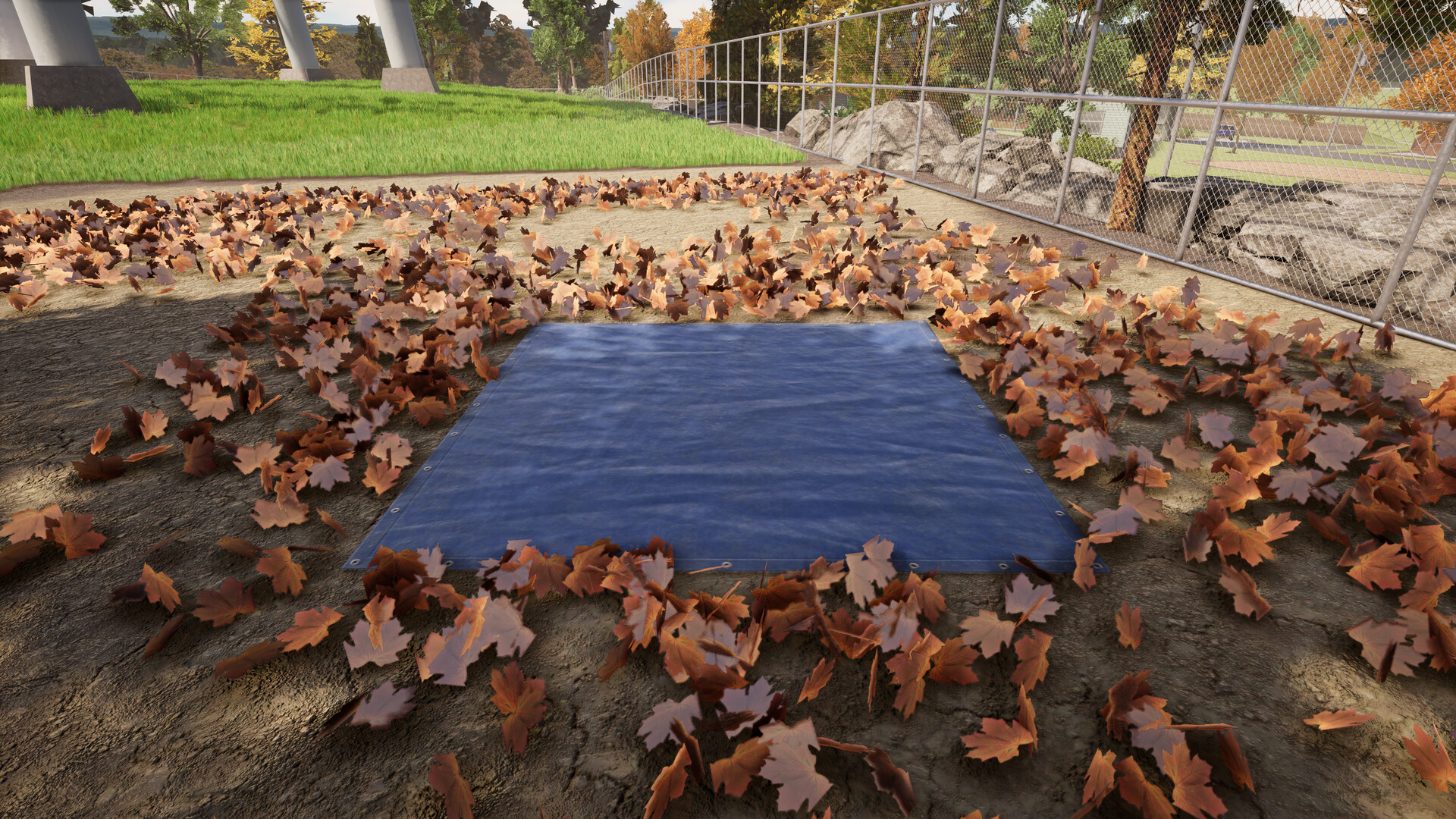
- Clean up. Leaves go with the leaf blower (the demo's headline new tool); collect them on the tarp, and use the rake for tight corners the blower can't clear.
- Get paid, take the next one. In the full game this rolls up into the career: your HQ, your business.
The six task types (documented by the achievement list)
Contracts are built from named task types, each with its own 100%-completion mastery award: mowing, clearance, disposal, weed control, ground check and blowing. Bigger contracts chain up to four tasks, and an optional on-screen helper called ProView can be toggled off for the muscle-memory challenge. You'll also service your mower and test equipment before it misbehaves — both have achievements attached.
Collect the reward or you stay on the same lawns
Developer daan_hugo (24 Sep 2026) spelled this out after players refunded because "the 4th and 5th jobs were the same location": pick up your rewards after each contract. That is what grants RP (Reputation Points). Rank up, and further locations enter the mix. Skipping the reward pickup is a flow bug they called a "minor flaw," not a missing map pack.
Save anytime — check this first
The Steam page lists Save Anytime. PC saves: C:\Users\%USERNAME%\AppData\LocalLow\Skyhook Games\LMS2 (hidden folder; *.json = save, steam_autocloud.vdf = Cloud). If you're mid-contract when real life intervenes, the launch build is advertised as letting you stop.
Launch-week snags worth knowing
Skyhook pinned Launch Snags the day it shipped: they know about performance/technical issues and are aiming at a patch. An Xbox update is already live (same developer, 24 Sep). PC/PS5 were not named in that post.
Player-reported, not on the official list yet:
- Career can stick on "buy a trimmer / blower" if those tools are already hanging on the shop rack. Several players unstuck it by starting a new career without them pre-placed.
- Black screen after naming the company / customising the character.
Bug reports: Skyhook's feedback form (linked from their Technical FAQ). Known-issues page is still marked TBD.
Comfort settings before long sessions
Demo players reported two things worth checking before you settle in: the mower can feel fast (one thread even blamed a "bad transaxle" jokingly), and at speed it can trigger motion-sickness for some. Open the settings first session, look at movement/driving options and camera behaviour, and dial them down before you commit to a long contract.